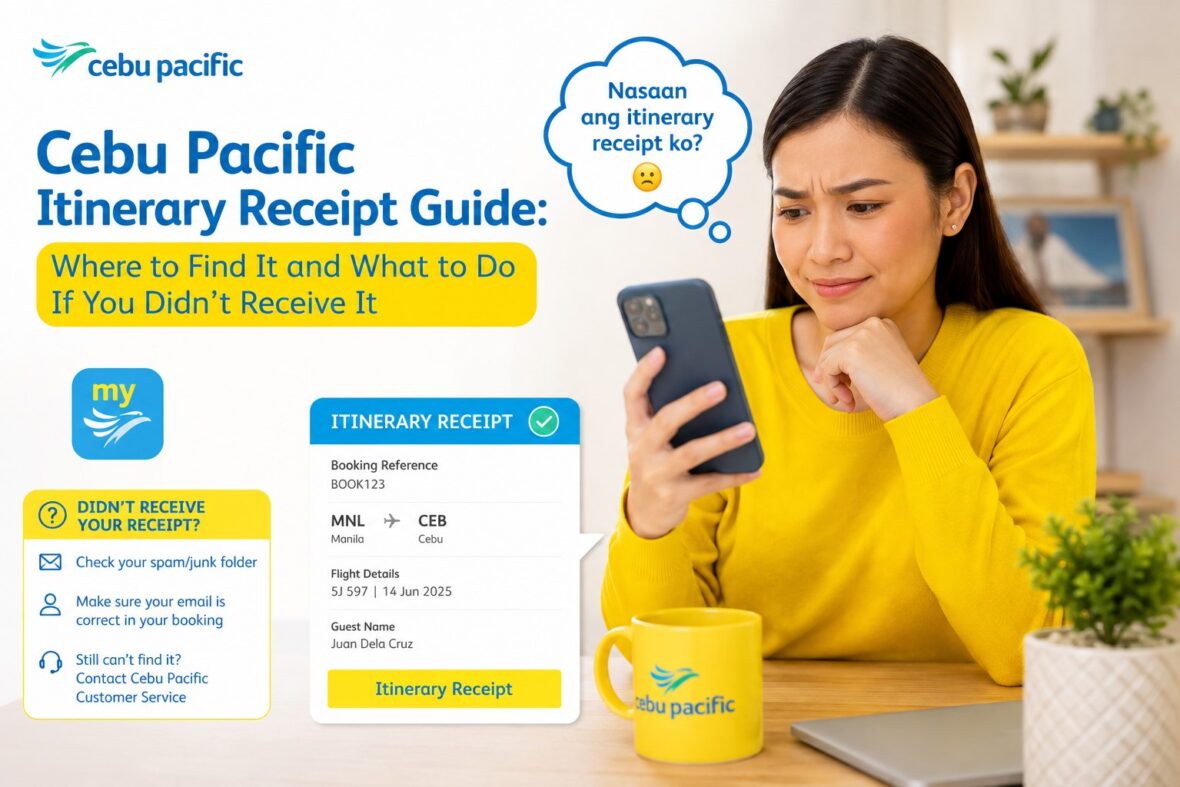
After booking a Cebu Pacific flight, one of the most important things you should receive is your Itinerary Receipt.
This is the document that confirms your flight details. It usually shows your booking reference, passenger name, route, flight schedule, fare details, add-ons, and other important booking information.
For many travelers, the Itinerary Receipt is the first proof that the booking went through successfully. So when it does not arrive right away, it can feel stressful.
You may start asking: Was my booking successful? Was my payment accepted? Was I charged? Did I type the wrong email? Can I still check in? Can I still go to the airport without it? Should I book again?
The good news is that Cebu Pacific has clear guidance on this. Cebu Pacific says the Itinerary Receipt is sent to the email registered in the booking within 24 hours after successful payment, and there is no need to book again if you already successfully paid for your flight.
In this guide, let’s talk about what the Cebu Pacific Itinerary Receipt is, where to find it, how to retrieve it, what to do if you didn’t receive it, and when you should contact Cebu Pacific support.
Content
What Is a Cebu Pacific Itinerary Receipt?
A Cebu Pacific Itinerary Receipt is the confirmation document for your booking.
It is usually sent after successful payment of your flight or add-ons. Cebu Pacific says you will receive the Itinerary Receipt after successful payment of your booking or every time you make changes to your flight.
Think of it as your official trip summary.
It is not the same as your boarding pass. It is also not the same as your invoice or official receipt. But it is very important because it contains the details you need to manage your booking, check in, and verify your trip.
What Information Is in the Itinerary Receipt?
Your Cebu Pacific Itinerary Receipt usually contains the important details of your trip.
This may include:
Your booking reference number
Passenger names
Flight route
Flight date and time
Fare details
Baggage allowance
Seat selection, if any
Meals or add-ons, if any
Payment details
Travel tax information, if applicable
Important reminders
Cebu Pacific says the booking reference number is found in the Itinerary Receipt and is used for Manage Booking, online check-in, and airport self-service kiosks.
That booking reference is one of the most important parts of the receipt, so save it right away.
Is the Itinerary Receipt the Same as a Boarding Pass?
No. The Itinerary Receipt and boarding pass are different.
Your Itinerary Receipt confirms your booking details. Your boarding pass is what you receive after check-in and use for boarding the flight.
For example, after booking and paying, you receive an Itinerary Receipt. Later, when online check-in opens or when you check in at the airport, you receive your boarding pass.
So don’t confuse the two.
If your flight is still days or weeks away, you may only have your Itinerary Receipt for now. That is normal.
Is the Itinerary Receipt the Same as an Invoice?
No. The Itinerary Receipt and invoice are also different.
Cebu Pacific says the invoice or official receipt is sent to the email registered in the booking along with the Itinerary Receipt. Cebu Pacific also says it only issues invoices for bookings paid with credit or debit card and/or e-wallets.
In simple terms:
The Itinerary Receipt shows your flight booking details.
The Invoice or Official Receipt is more for payment, accounting, or reimbursement purposes.
If you need proof of payment for company reimbursement or records, you may need the invoice. If you need flight details and booking reference, you need the itinerary.
When Should You Receive Your Cebu Pacific Itinerary Receipt?
Cebu Pacific says the Itinerary Receipt is sent to the email registered in the booking within 24 hours after successful payment.
This means it may not always arrive instantly.
Sometimes it arrives within minutes. Sometimes it may take longer. Cebu Pacific’s guidance gives it up to 24 hours after successful payment.
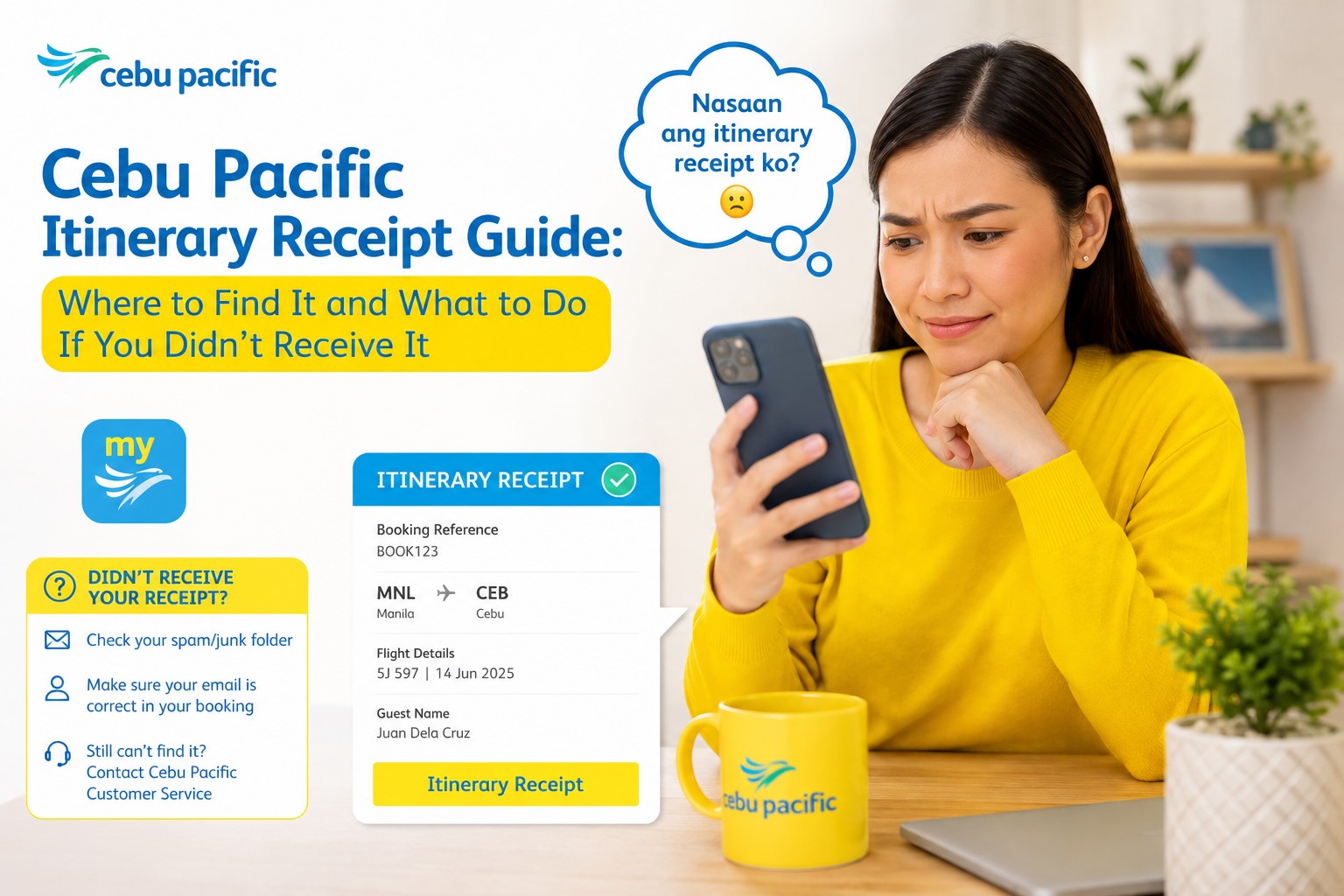
So if you just paid a few minutes ago and the email is not there yet, don’t panic immediately. Check your inbox, spam, and junk folders first.
What Email Address Will Receive the Itinerary Receipt?
The Itinerary Receipt is sent to the email address registered in the booking.
This is why your booking email matters a lot.
If you typed the wrong email address, used an old email, booked through someone else’s email, or booked through a travel agency, the receipt may not go to your personal inbox.
Cebu Pacific says the Itinerary Receipt is sent to the email registered in the booking.
So before payment, always double-check the email address in your booking.
A small email typo can cause big stress later.
What Should You Do First If You Didn’t Receive the Itinerary Receipt?
First, check your inbox carefully.
Search for emails from Cebu Pacific. Try searching keywords like:
Cebu Pacific
Itinerary Receipt
Booking Reference
CEB
Flight Itinerary
Passenger name
Route or destination
Then check your spam, junk, promotions, updates, and other folders.
Cebu Pacific specifically says that if you can’t see your itinerary, you should check your inbox or junk folder.
Sometimes the email is there, but it is hidden under another tab or folder.
Should You Book Again If You Were Already Charged?
No, not right away.
Cebu Pacific says there is no need to book again if you have already successfully paid for your flight.
This is very important.
If your payment was deducted but the itinerary has not arrived yet, do not rush into booking another ticket. You might accidentally create a duplicate booking and get charged again.
Instead, wait within the 24-hour window, check your email folders, and contact Cebu Pacific if the itinerary still does not arrive after the recommended timeframe.
What If It Has Been More Than 24 Hours?
If it has been more than 24 hours since successful payment and you still have not received your Itinerary Receipt, Cebu Pacific says you should chat with them through the Cebu Pacific app or website to connect with a Live Agent who can help.
This is the point where you should escalate.
Prepare your payment details before contacting support.
You may need:
Passenger name
Route
Travel date
Email used in booking
Payment method
Card type or e-wallet used
Transaction reference, if available
Screenshot of payment deduction
Any error message you received
Cebu Pacific also says that if payment was deducted from your card or e-wallet and it has been more than 24 hours since payment, you should chat through the app or website and take note of the card type or e-wallet you used.
What If Payment Was Successful but Booking or Add-Ons Were Not Confirmed?
Sometimes payment goes through, but the booking or add-on does not immediately appear.
Cebu Pacific says transactions should reflect in your booking or account within 24 hours. If payment was successful but your booking or add-ons were not confirmed, Cebu Pacific advises passengers to wait for an updated itinerary to be sent to the registered email. If it has been more than 24 hours since payment, or if it is an urgent booking, passengers should chat through the app or website to connect with a Live Agent.
This can happen with flights, baggage, seats, meals, or other add-ons.
For example, you may have added baggage after booking, paid successfully, but the updated itinerary does not show the baggage yet. In that case, wait for the updated itinerary within the timeframe, then contact support if it still does not appear.
How to Retrieve Your Cebu Pacific Itinerary Receipt on the Website
If you already have your booking reference, you can retrieve your itinerary through the Cebu Pacific website.
Cebu Pacific says you can retrieve the Itinerary Receipt on the website by going to Cebu Pacific, hovering over Manage, clicking Manage Booking, entering your booking reference number together with your last name or email address registered in the booking, then clicking View Itinerary.
Here’s the simple version:
Go to the Cebu Pacific website.
Open Manage Booking.
Enter your booking reference.
Enter the passenger last name or registered email.
Click View Itinerary.
Save or screenshot the itinerary.
This is useful if you deleted the email, can’t find it, or need a copy before your flight.
How to Retrieve Your Itinerary Receipt on the Cebu Pacific App
You can also retrieve your Itinerary Receipt through the Cebu Pacific app.
Cebu Pacific says that on the app, you should log in to your MyCebuPacific account, tap My Bookings, scroll until you see your booking, tap Manage, then tap View itinerary. If you can’t see your booking, you may need to add it to your account first.
Here’s the simple version:
Open the Cebu Pacific app.
Log in to your MyCebuPacific account.
Tap My Bookings.
Choose your booking.
Tap Manage.
Tap View itinerary.
Save a copy to your phone.
The app is convenient because you can keep your booking, itinerary, add-ons, and boarding pass in one place.
What If Your Booking Is Not Showing in the App?
If your booking is not showing in the Cebu Pacific app, it may not be linked to your MyCebuPacific account yet.
Cebu Pacific says that if you can’t find your booking after logging in, you can use the Add Booking feature to link it to your MyCebuPacific account.
This often happens when:
You booked while not logged in.
Someone else booked for you.
You used a different email.
You booked through a travel agency or OTA.
The booking is linked to another account.
You created a new MyCebuPacific account after booking.
If this happens, don’t assume the booking is gone. Try adding or linking the booking first.
What If You Don’t Know Your Booking Reference?
Your booking reference is normally found in the Itinerary Receipt.
But if you don’t have the Itinerary Receipt, this becomes tricky.
Cebu Pacific says the booking reference number is located in the Itinerary Receipt and is needed for online check-in, Manage Booking, and self-service kiosks.
If you don’t know your booking reference, try these steps:
Search your email inbox and junk folder.
Check your Cebu Pacific app under My Bookings.
Ask the person who booked the flight.
Check the confirmation from the OTA or travel agency.
Look for payment confirmation details.
Contact Cebu Pacific if you booked directly and payment was deducted.
If you booked through an OTA or travel agency, ask them for the official Cebu Pacific six-digit booking reference.
What If You Booked Through an OTA or Travel Agency?
If you booked through an online travel agency or travel agency, the Itinerary Receipt process may be different.
Cebu Pacific says that if you arranged your booking through third-party sites such as Agoda, Booking.com, Skyscanner, or through a travel agency, you should be able to manage your booking on the Cebu Pacific app or website. However, if you have problems managing the booking, getting your itinerary, claiming a refund, or if the app or website does not recognize your booking reference number, Cebu Pacific recommends contacting the travel agency or third-party site where the booking was created.
This means your first confirmation may come from the OTA, not directly from Cebu Pacific.
Make sure you have the official Cebu Pacific booking reference, not just the OTA confirmation number.
OTA Confirmation Number vs Cebu Pacific Booking Reference
This is a common source of confusion.
An OTA may give you its own confirmation number, trip ID, reservation code, or order number. But that may not be the same as Cebu Pacific’s booking reference.
Cebu Pacific says direct bookings give passengers an Itinerary Receipt and six-digit booking reference number, which can be used for Manage Booking, online check-in, and self-service kiosks.
If Cebu Pacific’s app or website does not recognize the number you entered, check whether you are using the OTA’s reference instead of Cebu Pacific’s six-digit booking reference.
If you are unsure, contact the OTA and ask for the Cebu Pacific booking reference.
Do You Need to Print the Itinerary Receipt?
No, printing is usually not required.
Cebu Pacific says a printed itinerary is not required at the airport, but you can save a copy on your mobile device in case of inspections at the airport entrance.
This is good news for travelers who prefer digital documents.
Still, I recommend saving a screenshot or PDF copy on your phone. Do not rely only on your email or internet connection.
Airport signal can be weak. Your data may be slow. Your phone may log you out. A saved copy is safer.
Can You Go to the Airport Without a Printed Itinerary?
Yes, Cebu Pacific says a printed itinerary is not required at the airport.
However, you should still have access to your booking details.
For domestic flights, you may need your valid ID and boarding pass if you already checked in online. If you have not checked in online, Cebu Pacific’s domestic travel guide says to bring your Itinerary Receipt instead.
For international flights, bring your passport, boarding pass or itinerary, visa if required, eTravel if applicable, Travel Tax proof if needed, and destination documents.
Even if printing is not required, having a saved digital copy is very helpful.
Why You Should Save a Copy of Your Itinerary Receipt
Always save your Itinerary Receipt.
You may need it for:
Airport entrance checks
Checking flight details
Booking reference retrieval
Online check-in
Manage Booking
Adding baggage
Seat selection
Rebooking
Refund request
Travel Fund concerns
Invoice request
Company reimbursement
Travel insurance claims
Immigration support documents for international travel
Cebu Pacific says the booking reference in the Itinerary Receipt is used for Manage Booking, online check-in, and airport self-service kiosks.
That alone is enough reason to save it.
What If You Made Changes to Your Flight?
If you make changes to your booking, you should receive an updated itinerary.
Cebu Pacific says you receive an Itinerary Receipt after successful payment of your booking or every time you make changes to your flight.
This means if you add baggage, rebook, buy seats, add meals, or make another paid change, check your updated Itinerary Receipt.
Do not rely only on your old copy.
Before your flight, review the latest version and confirm that all changes are reflected.
What If You Added Baggage but It’s Not in the Itinerary?
If you paid for baggage but it is not showing in your itinerary yet, wait for the updated itinerary within the expected timeframe.
Cebu Pacific says transactions should reflect in your booking or account within 24 hours, and if payment was successful but booking or add-ons were not confirmed, passengers should wait for an updated itinerary to be sent to the registered email. If more than 24 hours have passed or it is urgent, chat with Cebu Pacific through the app or website to connect with a Live Agent.
Do not wait until you are already at the airport to fix baggage confirmation if you can avoid it.
Check early.
What If You Paid but the Page Timed Out?
Payment page issues can happen.
Cebu Pacific advises passengers to complete payment as soon as possible so the session does not time out. If the payment page takes too long to load and you are concerned that you have been charged, Cebu Pacific says to chat through the app or website to connect with a Live Agent.
If this happens, do not immediately pay again without checking.
First, check your bank, card, e-wallet, or payment app.
Then check your email for the Itinerary Receipt.
If payment was deducted and no itinerary arrives after the proper waiting period, contact Cebu Pacific with your payment details.
What If You Were Charged Twice?
If you accidentally made a double booking or experienced a double charge, Cebu Pacific says passengers should chat through the app or website to connect with a Live Agent who can help.
Prepare proof of both charges.
Save screenshots from your card, e-wallet, bank app, or payment confirmation.
Also save any booking references connected to the payments.
The clearer your proof, the easier it will be to explain the issue.
What If You No Longer Have Access to the Email Used in the Booking?
This can happen if you used an old email, work email, school email, or someone else’s email.
Cebu Pacific says that if you are trying to retrieve your itinerary but no longer have access to the email linked to your MyCebuPacific account, you should chat through the app or website to connect with a Live Agent. Cebu Pacific also advises passengers to take note of the payment method used and other important details, such as the guests included in the booking, for a smoother verification process.
This is why it’s best to use a personal email you can access long-term.
Avoid using temporary, office, or shared emails for personal travel bookings unless necessary.
What If You Entered the Wrong Email During Booking?
If you entered the wrong email, you may not receive the Itinerary Receipt.
Cebu Pacific says the Itinerary Receipt is sent to the email registered in the booking, and email address is one of the key details used to retrieve or manage the booking.
Unfortunately, email correction can be limited. Cebu Pacific’s Manage Booking guide says there is currently no option to correct or update the email address through Manage Booking.
If this happens, contact Cebu Pacific through official channels and prepare proof of payment and booking details.
For future bookings, always double-check your email before payment.
What If the Itinerary Receipt Went to Someone Else?
If someone else booked the flight for you, the Itinerary Receipt may have gone to their email.
This is common for family bookings, group trips, office travel, agency bookings, and travel packages.
Ask the person who booked your flight to forward the Itinerary Receipt to you.
Make sure you have:
Booking reference
Passenger name
Flight date
Route
Baggage allowance
Add-ons
Payment status
If you need to manage the booking yourself, you may need to add or link it to your MyCebuPacific account if eligible.
What If You Need an Invoice or Official Receipt?
If you need an invoice or official receipt, that is separate from the itinerary.
Cebu Pacific says the invoice is sent to the email registered in the booking along with the Itinerary Receipt. Separate invoices per passenger are not available because the system issues one invoice per booking. Cebu Pacific also says invoices are issued only for bookings paid using credit or debit cards and/or e-wallets.
If you did not receive your invoice, Cebu Pacific says you can chat with them and connect with a Live Agent who can help issue one. Some invoices may not be automatically generated or sent if the booking was paid using multiple payment methods or includes a combination of Cebu Pacific 5J, Cebgo DG, and AirSWIFT T6 flights.
So if your concern is reimbursement, accounting, or proof of payment, you may need the invoice, not just the itinerary.
Can You Request a Digital Copy of the Invoice?
Yes.
Cebu Pacific says you can request a digital copy of your invoice by chatting through the app or website. You need to enter your booking reference number and the last name of any guest in the booking. Once Cebu Pacific locates your booking, the invoice will be sent to the email registered in the booking.
If there are multiple transactions under your booking, Cebu Pacific says separate invoices will be issued for each transaction.
This can be useful if you added baggage later, bought seats, or made other separate payments.
Can You Edit Invoice Details?
Yes, Cebu Pacific says invoice details such as TIN, business style, OSCA or PWD ID number, Senior or PWD TIN, purchaser name or business name, and purchaser address can be edited or entered by clicking the Print Invoice button, entering the details, then clicking View Receipt.
This is useful for business travelers, company reimbursements, senior citizen or PWD documentation, and official records.
Just make sure everything is spelled correctly before printing or saving.
What If You Need a Physical Invoice?
Cebu Pacific says passengers within Metro Manila may visit the Cebu Pacific Airline Operations Center at Domestic Airport Road, Pasay City, during listed office hours. Passengers outside Metro Manila are advised to visit a nearby airport. Cebu Pacific also says passengers should bring the booking reference number or a copy of the Itinerary Receipt along with a valid ID.
If an authorized representative will claim the invoice, Cebu Pacific lists requirements such as the representative’s valid ID, signed photocopies of IDs, and an authorization letter signed by both the passenger and representative.
For most travelers, a digital invoice is enough. But if you need a physical copy, check the requirements first.
Is the Itinerary Receipt Required for Check-In?
For online check-in, you usually need your booking reference and passenger surname.
Cebu Pacific says the booking reference number is located in the Itinerary Receipt and is needed for online check-in.
For domestic flights, Cebu Pacific says if you haven’t checked in online yet, bring your Itinerary Receipt instead.
So while a printed itinerary may not be required, the information inside the itinerary is still very important.
At minimum, save your booking reference.
Is the Itinerary Receipt Enough to Board the Plane?
No. The Itinerary Receipt alone is not your boarding pass.
You still need to check in and get a boarding pass.
The itinerary proves your booking details, but the boarding pass is what you use to board the aircraft.
If you show up at the airport with only an itinerary and no check-in yet, you still need to complete check-in at the appropriate counter, kiosk, website, or app, depending on your flight and eligibility.
What If Your Flight Details Changed?
If Cebu Pacific changes your flight schedule, check your updated itinerary.
Cebu Pacific says you receive an Itinerary Receipt every time you make changes to your flight.
For airline-initiated schedule changes or disruptions, also check your email, SMS, app notifications, Manage Booking, and Flight Status.
Always review the latest version of your itinerary before going to the airport.
The old itinerary may no longer reflect your current schedule.
What If Your Itinerary Shows the Wrong Name?
If your itinerary shows a wrong name or typo, fix it as soon as possible.
Your name should match your valid ID for domestic travel and your passport for international travel.
Cebu Pacific’s Manage Booking guide says first name or last name correction must be done within 24 hours of completing the booking, while other guest details such as nationality, passport, birthday, salutation, or contact number can be updated up to two hours before the flight. Cebu Pacific also says email address cannot currently be corrected or updated through Manage Booking.
Don’t ignore name errors.
A small typo can become a big airport problem if you wait too long.
What If the Itinerary Shows the Wrong Date or Route?
If the itinerary shows the wrong travel date, destination, or flight, review what happened.
You may have selected the wrong flight during booking.
Cebu Pacific’s Manage Booking guide says passengers can rebook flights up to two hours before scheduled departure, but fare differences and change fees may apply depending on the booking rules.
If the mistake was yours, you may need to rebook and pay applicable fees.
If the issue was caused by a technical or payment problem, contact Cebu Pacific through official channels and prepare proof.
What If You Booked Add-Ons Separately?
If you add baggage, seats, meals, insurance, or other add-ons after the original booking, check your updated itinerary.
Cebu Pacific says the Itinerary Receipt is sent after successful payment of the booking or every time you make changes to your flight.
This matters because the original itinerary may not show your newly purchased add-ons.
Before your flight, open the latest version and make sure your add-ons are reflected.
What If You Need the Itinerary for Immigration?
For international travel, your itinerary can be useful as a supporting document.
Immigration officers may ask for your return ticket, onward ticket, travel dates, destination, hotel booking, invitation letter, or other documents depending on your situation.
Your Cebu Pacific Itinerary Receipt can help show your flight schedule and return details, but it is only one document.
For international trips, prepare your passport, visa if required, eTravel if applicable, hotel booking, proof of funds if needed, travel insurance if required, and other destination-specific documents.
What If You Need the Itinerary for Travel Insurance Claims?
If you bought travel insurance or need to file a travel-related claim, your Itinerary Receipt may be useful.
It can help prove your flight details, travel dates, route, passenger name, and booking reference.
If your trip is disrupted, delayed, canceled, or affected by baggage issues, keep a copy of the itinerary, boarding pass, receipts, emails, and official notices.
Do not delete your itinerary after the trip, especially if you may need reimbursement or claim documents later.
What If You Need the Itinerary for Company Reimbursement?
For business travel, your company may ask for both the Itinerary Receipt and the invoice or official receipt.
The itinerary shows trip details. The invoice shows payment details.
Cebu Pacific says the invoice is sent with the Itinerary Receipt, and it issues one invoice per booking.
If your company needs business name, TIN, or address details, Cebu Pacific allows certain invoice details to be edited through the invoice process.
Save both documents after booking.
How Long Should You Keep Your Itinerary Receipt?
Keep your Itinerary Receipt until the trip is fully completed and all possible concerns are resolved.
For simple trips, you may only need it until after arrival.
But if you have reimbursement, refund, Travel Fund, insurance, baggage, or disruption concerns, keep it longer.
I recommend saving a PDF or screenshot in a travel folder on your phone or cloud storage.
It takes little space and can save you time later.
Common Cebu Pacific Itinerary Receipt Problems
Here are the most common itinerary issues:
The email did not arrive.
The receipt went to spam or junk.
The wrong email was used during booking.
The booking was made by another person.
The booking was made through an OTA or travel agency.
The payment was deducted but no itinerary arrived.
The payment page timed out.
Add-ons were paid but not reflected.
The booking reference is missing.
The app does not show the booking.
The itinerary shows incorrect guest details.
The invoice was not received with the itinerary.
Most of these can be handled by checking your email, using Manage Booking, waiting within the 24-hour confirmation period, or contacting Cebu Pacific if the issue continues.
What Not to Do If You Didn’t Receive Your Itinerary
Do not immediately book another flight if payment was already deducted.
Do not assume the booking failed without checking.
Do not delete payment screenshots.
Do not wait until airport day to resolve it.
Do not rely only on the OTA confirmation number.
Do not ignore a wrong email address.
Do not assume your add-ons are confirmed if they do not appear in the updated itinerary.
Do not use unofficial support pages asking for sensitive account details.
Cebu Pacific says there is no need to book again if you already successfully paid for your flight.
That reminder can save you from accidental double booking.
Practical Checklist If You Didn’t Receive Your Itinerary
Check your inbox.
Check spam, junk, promotions, and updates folders.
Search for “Cebu Pacific” and “Itinerary Receipt.”
Check if you used the correct email.
Wait up to 24 hours after successful payment.
Check your MyCebuPacific account.
Try Manage Booking if you have the booking reference.
Ask the person or agency who booked your flight.
Check your bank, card, or e-wallet transaction.
Save proof of payment.
If payment was deducted and more than 24 hours passed, chat with Cebu Pacific through the app or website.
My Practical Advice
My advice is simple: after booking, don’t leave the confirmation page without saving everything.
Screenshot the booking confirmation.
Save the booking reference.
Check your email.
Download the Itinerary Receipt.
Save it in your phone.
If you don’t receive the email right away, check spam and wait within the 24-hour period. But if payment was deducted and more than 24 hours have passed, contact Cebu Pacific with your payment details.
And most importantly, don’t book again unless you are sure the first booking did not go through.
Final Thoughts
The Cebu Pacific Itinerary Receipt is one of the most important documents after booking your flight.
Cebu Pacific says the Itinerary Receipt is sent to the email registered in the booking within 24 hours after successful payment. If you can’t see it, check your inbox or junk folder. If more than 24 hours have passed and you still haven’t received it, chat with Cebu Pacific through the app or website to connect with a Live Agent.
You can retrieve your itinerary through the Cebu Pacific website by using Manage Booking and entering your booking reference with your last name or registered email. You can also retrieve it through the Cebu Pacific app by logging in to your MyCebuPacific account, going to My Bookings, tapping Manage, and selecting View itinerary.
A printed itinerary is not required at the airport, but Cebu Pacific recommends saving a copy on your mobile device in case of inspections at the airport entrance.
The key is to stay calm and organized.
If you paid successfully, don’t rush to book again. Check your email folders. Retrieve the itinerary through Manage Booking. Save your booking reference. Contact Cebu Pacific only when needed, especially if payment was deducted and the itinerary still has not arrived after 24 hours.
A missing itinerary can be stressful, but with the right steps, you can usually resolve it before it becomes a bigger travel problem.