A long journey is a poor time to discover that the game you saved is only a web address. The page may return with a different deal, fail to load without a connection, or open in another browser with none of your progress. Those are different problems, even if they all look like a lost game from a bus seat.
Use a specific version as the reference. In draw three solitaire on PlaySolitaire, progress stays in the browser when local storage is available. Its one-card and three-card games save separately. That gives you something concrete to check before departure: whether this particular board returns, not merely whether a Solitaire page opens.
Content
Recognise the board you are trying to return to
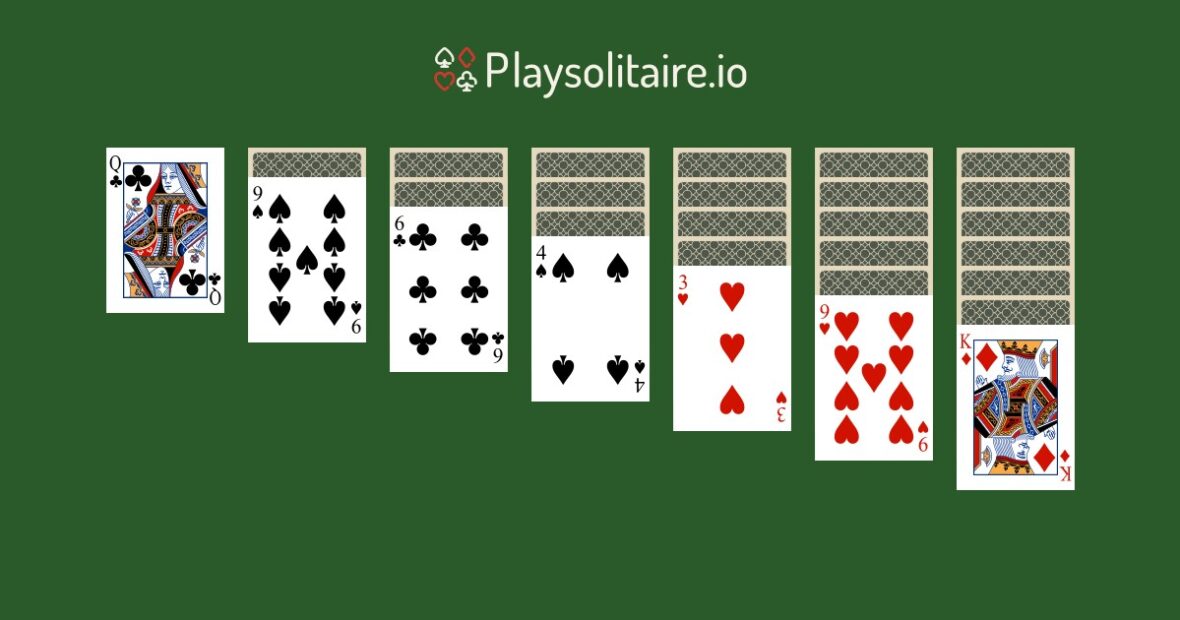
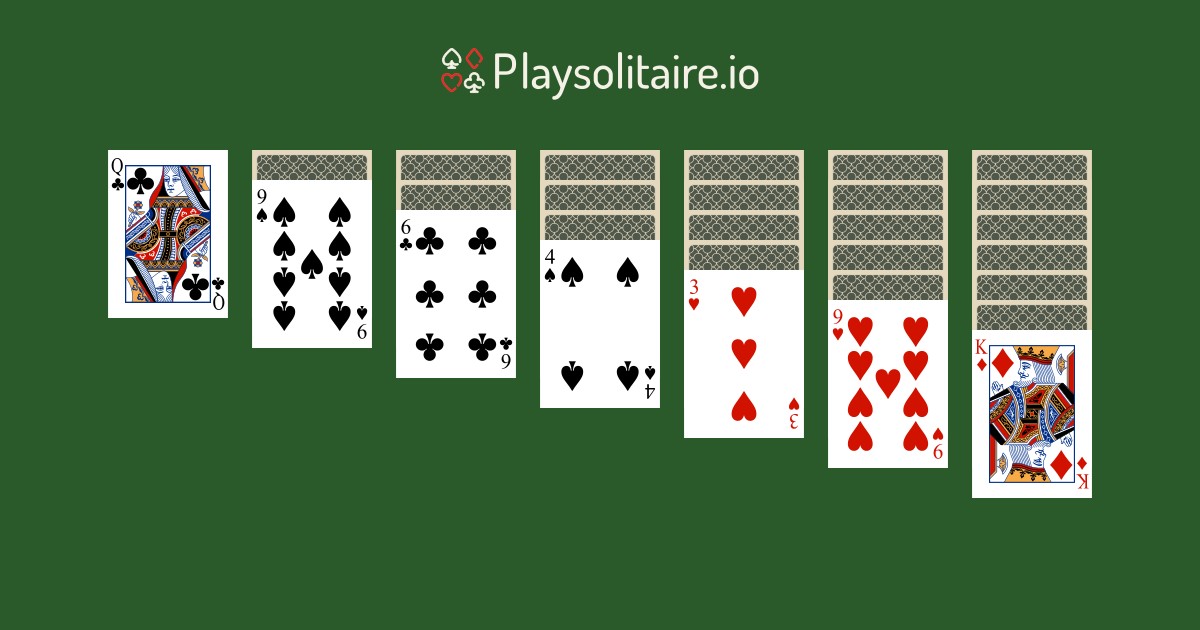
Do the check with an unimportant game, rather than a deal you have been trying to finish for days. Make a few moves and note the top face-up waste card and two or three visible column cards. A local screenshot can help you compare the layout later without relying on memory.
The draw setting matters. In the linked game, a stock draw exposes up to three cards, but only the top waste card is available to play. A page showing a one-card draw is not necessarily a failed save. You may simply have opened a different variant with a separate position.
Keep the exact address alongside that reference. Opening a search result for a similar name can take you to another game entirely. A fresh board there tells you nothing about what happened to the one you left.
Separate the saved position from the available website
A browser can store information about a game without storing everything needed to reopen its website offline. The position and the page resources are different things. Saving the address does not copy either of them into your bookmark.
That is why an open tab is not enough evidence. A board already on screen may continue responding when the connection disappears, while reopening the page from its address could produce a loading error. Neither result, by itself, proves how the site will behave throughout a journey.
Try the distinction at home. First see whether the game returns after an ordinary reload with a connection. Then, if offline access matters to you, disconnect from the network and check what happens when you reopen the address. Restore the connection afterwards and compare the board again. These are checks to carry out, not a claim that this particular website has passed an offline test.
If the page cannot reopen without internet access, plan to use it only where a connection is available. Do not turn a successful connected reload into a promise of offline play.
Return through the same browser
A link sent from a messaging app may open in the app’s own browser rather than the one you normally use. Before assuming the game has disappeared, check which browser opened the address. The same phone can contain more than one browser context.
The product’s save description does not promise automatic transfer to another device or browser. Bookmarking the page on a laptop therefore does not establish that its current board will appear on your phone. Check on the actual device you intend to carry.
Private browsing deserves particular care. Browser-local storage in a private session is cleared when the last private tab closes. Privacy settings can also prevent a site from keeping data. There is no need to weaken those settings for a game; choose another way to play if the save behaviour does not suit you.
Avoid experimenting with clearing site data on a board you care about. A connection problem and stored game information are not the same issue, and removing the latter can make the situation worse.
Plan around what your check actually showed
A useful travel note can be very short: the exact game address, the browser used, whether the same board returned, and whether reopening required a connection. That is more useful than writing down that a game was simply “saved”.
If an uninterrupted session matters, choose a format whose requirements you can meet. That might mean a game with documented offline support, a physical puzzle, or accepting that the browser game is for connected stops rather than the whole route. Keep transport tickets and essential journey information available through their own reliable arrangements; a leisure-game check is not a backup plan for those documents.
Before leaving, reopen the board once on the device you will actually take. Seeing the same cards is a better starting point than trusting a bookmark to do a job it was never designed to do.


