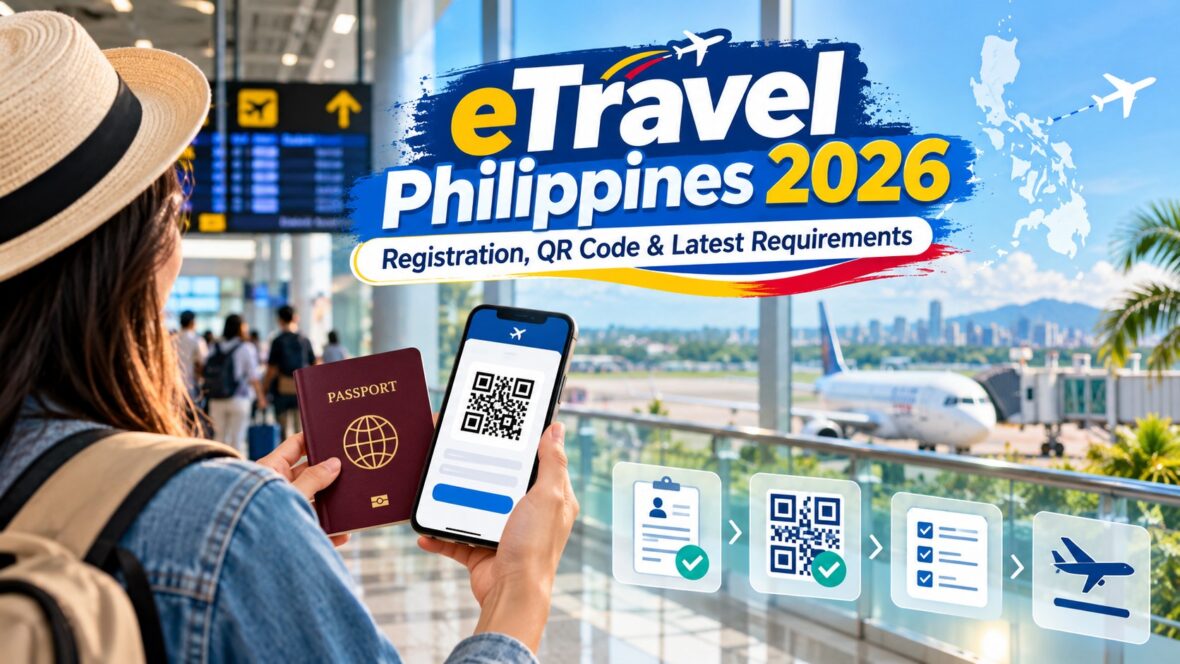
If you’re traveling to the Philippines in 2026, one requirement you should complete before your flight is the Philippine eTravel registration.
Whether you’re a Filipino coming home from abroad, a foreign tourist visiting the Philippines, or a Filipino flying overseas, eTravel has become an important part of the country’s immigration and border-clearance process.
The good thing is that the process is completely online, registration is free, and it normally takes only a few minutes once you have your travel details ready.
But there are a few important things travelers often get confused about: When should you register? Who actually needs eTravel? Do foreign tourists need it? What happens to the QR code? Do you need to register again for every trip?
This guide explains the latest eTravel Philippines requirements for 2026.
Content
What Is eTravel Philippines?
The Philippine eTravel System is the government’s digital platform for collecting information from international travelers arriving in or departing from the Philippines.
Instead of travelers filling out several separate paper forms, eTravel brings information used by agencies such as the Bureau of Immigration, Bureau of Quarantine, Bureau of Customs, Department of Tourism and other participating government agencies into one system.
The system is used for purposes including:
- Immigration and border control
- Health surveillance
- Customs declarations
- Passenger information
- Tourism and migration data
- Baggage and currency declarations, when applicable
The enhanced eTravel system also uses a single QR code per passenger to help streamline processing among participating government agencies.
Is eTravel Still Required in 2026?
Yes.
eTravel remains part of the Philippine international travel process in 2026.
In fact, the Bureau of Immigration issued another advisory on October 5, 2026 reminding travelers to register or update their eTravel information through the official eTravel system or the eGovPH app.
So if you are flying internationally, don’t assume that eTravel was only a pandemic-era requirement. The system has evolved into a broader digital travel, immigration, health and Customs platform.
Who Needs to Register for eTravel?
According to the official eTravel FAQ, registration or updating is required for:
Arriving passengers
- Filipino passengers arriving in the Philippines
- Foreign passengers arriving in the Philippines
- Filipino and foreign crew members arriving in the Philippines
Departing passengers
- Filipino passengers departing from the Philippines
The government lists several exemptions, including certain foreign diplomats and their dependents, foreign dignitaries and members of their delegations, holders of 9(e) visas, and holders of diplomatic or official/service passports.
Do foreign tourists need eTravel?
Yes.
If you are a foreign tourist entering the Philippines, you generally need to complete eTravel before your arrival unless you fall under one of the government’s listed exemptions.
Do Filipinos need eTravel when leaving the Philippines?
Yes.
Departing Filipino passengers are included among those required to register or update their eTravel information.
Do foreigners need eTravel when leaving the Philippines?
The official eTravel FAQ specifically lists departing Filipino passengers among those required to register, while foreign passengers are listed under arrivals.
Travelers with special circumstances should still check the current instructions issued by their airline, Philippine Immigration or Customs before traveling.
When Should You Register for eTravel?
This is one of the most important rules to remember.
The live eTravel system states that you may register within 72 hours before your arrival in or departure from the Philippines.
That means you should not complete the travel declaration weeks in advance.
For example, if your flight is arriving in Manila on Friday, complete your inbound eTravel registration during the three-day period before your arrival.
For Filipinos departing the Philippines, complete the required eTravel information within the corresponding 72-hour period before departure.
I personally recommend doing it before going to the airport rather than waiting until check-in. That way, you already have your QR code saved on your phone.
eTravel Registration Is FREE
This deserves its own section because there are fake eTravel websites online.
Official eTravel registration is completely free.
The Philippine government does not charge a registration fee and does not require payment simply to obtain an eTravel QR code.
If a website asks you to pay an “eTravel processing fee,” be very careful.
Use only the official Philippine government eTravel platform or the official eGovPH application.
Do You Need to Download an eTravel App?
No.
You can complete eTravel using the government’s web-based platform through a phone, tablet or computer.
There is no separate eTravel app that you are required to install.
However, eTravel is also accessible through the government’s eGovPH app.
So travelers essentially have two convenient options:
- Use the official eTravel website.
- Use the eGovPH app.
For most travelers, using the website through your phone’s browser is probably the simplest option.
What Information Do You Need for eTravel Registration?
It helps to have your passport and flight booking beside you before starting.
The eTravel system collects information such as:
- Email address
- Full name
- Passport number
- Sex
- Date of birth
- Civil status
- Nationality
- Mobile number
- Address
- Arrival information
- Airport or seaport
- Traveler classification
- Purpose of travel
- Country of origin
- Airline or vessel
- Passenger type
- Flight number
Health-related information may also be requested as part of the system’s health-surveillance functions.
Customs-related questions may also appear, particularly for passengers entering the Philippines.
Make sure the details you enter match your passport and actual travel booking.
How to Register for eTravel Philippines
The process is fairly straightforward.
Step 1: Go to the official eTravel platform
Open the official Philippine government eTravel system or use the eGovPH app.
Be careful with sponsored search results and websites using similar names.
Remember: registration itself is free.
Step 2: Sign in or create an account
The current eTravel platform allows travelers to sign in using an email address and password or create an account.
If you previously used eTravel, you may already have an existing record.
Step 3: Enter your personal information
Complete the required passenger details carefully.
Information such as your name and passport number should exactly match your travel document.
Step 4: Enter your travel details
You’ll provide information related to your trip, such as your arrival or departure date, airline and flight details.
Double-check your flight number because travelers sometimes accidentally enter the wrong connecting flight.
For inbound travel, your relevant flight is generally the flight bringing you into the Philippines.
Step 5: Complete the health information
Answer any required health-declaration questions truthfully.
The eTravel platform incorporates the Electronic Health Declaration Card or eHDC used by Philippine health-border authorities.
Step 6: Complete Customs information when required
The enhanced eTravel system also incorporates Philippine Customs declarations.
Arriving passengers are required to accomplish the relevant Customs baggage declaration information through the eTravel system.
You may be asked whether you are carrying items or currency that must be declared.
Step 7: Review everything
Before submitting, check:
- Name
- Passport number
- Nationality
- Date of birth
- Flight number
- Arrival or departure date
- Airport
- Customs answers
- Health information
Mistakes can cause unnecessary delays when you arrive at the airport.
Step 8: Submit your registration
After successfully completing the process, eTravel generates your QR code.
Step 9: Save your QR code
This part is very important.
Take a screenshot or download the QR code to your phone.
The official eTravel FAQ specifically recommends saving the QR code before leaving the website because you may be required to present it to airline personnel before boarding.
You can also print it if you prefer having a physical copy.
What Is the eTravel QR Code?
The QR code serves as proof that your eTravel information has been submitted.
Since the rollout of the enhanced eTravel system, one QR code can consolidate information used for immigration, quarantine and Customs processing.
You should keep the QR code accessible throughout your journey.
I recommend saving a screenshot rather than relying only on the website because airport Wi-Fi or mobile data isn’t always reliable.
You could even save the screenshot to your phone’s Favorites folder so you don’t have to search through hundreds of photos while standing at the immigration counter.
Green QR Code vs Red QR Code
You may encounter references to green and red QR codes.
According to the eTravel FAQ, a green QR code generally indicates that the required information was submitted properly and completely.
A red QR code can indicate that additional verification may be required because information is incomplete, incorrect or requires health-border review.
Receiving a red QR code does not automatically mean that you will be denied entry.
It generally means that additional checking may be required by the appropriate Philippine authorities.
Important: Green QR Code Is Different From the Customs Green Lane
This can get confusing because the word “green” is used in two different parts of the airport process.
The eTravel system can issue a green QR code related to your eTravel submission.
Separately, Philippine Customs has Green and Red Lanes:
- Green Lane – generally for passengers with nothing to declare.
- Red Lane – for passengers with something to declare or passengers selected for further examination.
These are not exactly the same thing.
Do Customs Officers Still Scan the QR Code?
There was an important Customs change that travelers should know about.
The Bureau of Customs temporarily suspended QR-code scanning for travelers passing through the Customs Green Lane beginning August 14, 2025.
That means passengers using the Green Lane with “Nothing to Declare” generally no longer need their QR code scanned there.
However, passengers in the Red Lane, including travelers with something to declare and passengers selected for examination, can still be required to have the QR code scanned and undergo the normal Customs clearance process.
This does NOT mean you can skip eTravel.
You should still complete the required eTravel registration and save your QR code.
Customs Declaration Through eTravel
Another major development travelers should understand is that eTravel now incorporates Customs declarations.
The Bureau of Customs requires arriving travelers to provide the applicable baggage declaration information through the system.
This is particularly important if you are carrying:
- High-value goods
- Commercial quantities of goods
- Certain food, agricultural or regulated products
- Items requiring permits
- Large amounts of currency
- Other declarable goods
Always answer the Customs questions truthfully.
How Much Cash Can You Bring Into the Philippines?
The eTravel Customs system also handles currency declarations.
According to current Bureau of Customs guidance, travelers need to declare foreign currency or other foreign-currency-denominated bearer monetary instruments exceeding US$10,000 or its equivalent.
There are also separate rules covering Philippine currency.
For amounts exceeding ₱50,000 in Philippine legal tender or covered monetary instruments, prior Bangko Sentral ng Pilipinas authorization may be required.
If you’re traveling with a large amount of cash, don’t guess. Check the latest BSP and Bureau of Customs regulations before your flight.
Do You Need a New eTravel Registration Every Time You Travel?
Your account can remain, but your trip information must be updated for each applicable journey.
According to the eTravel FAQ, travelers who have previously registered may update their information for subsequent trips rather than treating themselves as completely new users every time.
So think of it this way:
Your account can stay.
Your travel declaration changes.
If you fly from Manila to Singapore this month and then travel again to Japan later, the information for your new trip must be updated accordingly.
What If You Make a Mistake?
Don’t panic.
The eTravel system allows certain information to be edited as long as you have not yet been processed and verified by the relevant border authorities.
You can access the system’s “Edit Registration” function to retrieve and update an existing record.
If you realize that you entered the wrong flight number or other information, correct it before reaching immigration whenever possible.
What If You Lose Your QR Code?
You can retrieve your registration through the eTravel system.
The official FAQ states that travelers can use the Edit Registration section and provide their reference number and date of birth to access their record again.
Still, the easiest solution is prevention.
Once you finish registration:
- Screenshot the QR code.
- Download a copy if available.
- Keep the email confirmation.
- Consider sending the screenshot to yourself or a travel companion.
Can You Print the eTravel QR Code?
Yes.
You can either show the QR code electronically on your phone or print a copy.
A screenshot on your phone is generally much more convenient, but printing a backup isn’t a bad idea for travelers who prefer having physical documents.
Do Children Need eTravel?
eTravel requirements apply to passengers rather than only adult travelers, so families traveling internationally should make sure the required information is completed for each traveler covered by the registration rules.
Parents traveling with children should prepare the children’s passport and travel information along with their own documents before beginning the process.
Is eTravel a Visa?
No.
This is another common misunderstanding.
An eTravel QR code is not a Philippine visa.
Completing eTravel does not automatically give a foreign national permission to enter the Philippines.
Foreign visitors must still comply with the immigration requirements applicable to their nationality and circumstances, which can include passport validity, visa requirements when applicable, permitted length of stay and other immigration conditions.
Think of eTravel as part of the border-processing process rather than a replacement for a visa.
Is eTravel the Same as an Arrival Card?
In practical terms, eTravel has replaced several pieces of information that travelers previously submitted through separate paper or electronic processes.
The system incorporates passenger registration and the electronic health declaration while also integrating immigration and Customs requirements.
This is why travelers arriving in the Philippines increasingly encounter one centralized digital system rather than multiple forms.
Do OFWs Need eTravel?
Returning Overseas Filipino Workers are Filipino passengers arriving in the Philippines, so they fall within the general category required to register or update eTravel.
The enhanced system has also incorporated services and information involving other government agencies, including the Department of Migrant Workers.
OFWs should still bring any other employment or travel documents required for their particular situation because eTravel does not necessarily replace every document required for overseas employment.
Do Balikbayans Need eTravel?
Yes, in general.
Filipinos returning to the Philippines are included among arriving Filipino passengers required to register.
Former Filipinos or foreign family members traveling under Balikbayan privileges should also remember that eTravel registration is separate from determining whether they qualify for Balikbayan admission privileges.
Can You Register at the Airport?
Technically, travelers sometimes complete the process close to their flight, but I would strongly avoid leaving it until you’re already at the airport.
Airline representatives may ask for proof of eTravel registration before boarding.
Airport internet can also be unpredictable.
The easier approach is to complete it from home or your hotel once you’re inside the permitted 72-hour registration window.
What Happens If You Don’t Register?
Failure to complete eTravel can cause delays during airline check-in or Philippine border processing.
The Bureau of Immigration specifically warns travelers to provide complete, accurate and updated information so immigration inspection can proceed efficiently. Its October 5, 2026 advisory also warned that foreign nationals who willfully provide false information may face denial of entry under Philippine immigration laws.
Rather than trying to solve the issue while standing in the airport, complete the registration beforehand.
Common eTravel Mistakes to Avoid
Here are some of the most common problems travelers can easily prevent.
Registering on a fake website
Remember that Philippine eTravel registration is free.
Do not give your card details to a website claiming that payment is required simply to generate an eTravel QR code.
Registering too early
The official platform specifies a 72-hour registration window.
Don’t try to complete the travel declaration several weeks before your trip.
Entering the wrong flight
Check your airline booking carefully, especially if you have connecting flights.
Using passport information that doesn’t match
Your name, passport details and nationality should match your travel document.
Forgetting to save the QR code
Take a screenshot immediately after completing registration.
Assuming previous registration covers your next trip
Your account may remain active, but your travel details must be updated for a new journey.
Providing incorrect Customs information
If you are carrying declarable goods or currency, declare them correctly.
Quick eTravel Philippines 2026 Checklist
Before traveling, I would use this simple checklist:
- Passport ready
- Flight details ready
- Complete eTravel within the allowed 72-hour window
- Use only the official government eTravel system or eGovPH app
- Make sure registration is free
- Check personal and passport details carefully
- Complete health information
- Complete Customs declaration when applicable
- Submit registration
- Screenshot or download the QR code
- Keep the QR code accessible during your journey
- Bring any visas or other immigration documents required for your trip
Frequently Asked Questions
Is eTravel required for the Philippines in 2026?
Yes. The Philippine government continues to use eTravel in 2026, with the Bureau of Immigration issuing a fresh reminder about the requirement on October 5, 2026.
Is eTravel free?
Yes. Official eTravel registration is completely free.
When can I register?
The official eTravel platform says registration can be completed within 72 hours before your arrival in or departure from the Philippines.
Do foreign tourists need eTravel?
Yes. Arriving foreign passengers are generally required to register unless they qualify for one of the government’s specific exemptions.
Do Filipinos leaving the Philippines need eTravel?
Yes. Departing Filipino passengers are included in the categories required to register or update their information.
Can I use my phone?
Yes. The website is mobile-responsive, and travelers can also access eTravel through the eGovPH app.
Do I have to print the QR code?
No. You can save a screenshot or downloaded copy on your phone. Printing it is optional.
Can I edit my registration?
Yes, certain information can be changed before you have been processed and verified by the relevant border authorities.
Is eTravel a visa?
No. eTravel registration does not replace a Philippine visa or other immigration requirements.
Do I need to register again for another trip?
You need to update your eTravel information for each applicable trip. Travelers who already have an account can update their records rather than starting completely from scratch.
Final Thoughts
The Philippine eTravel system may seem like another thing to worry about before an international flight, but the process is actually pretty simple once you know what to expect.
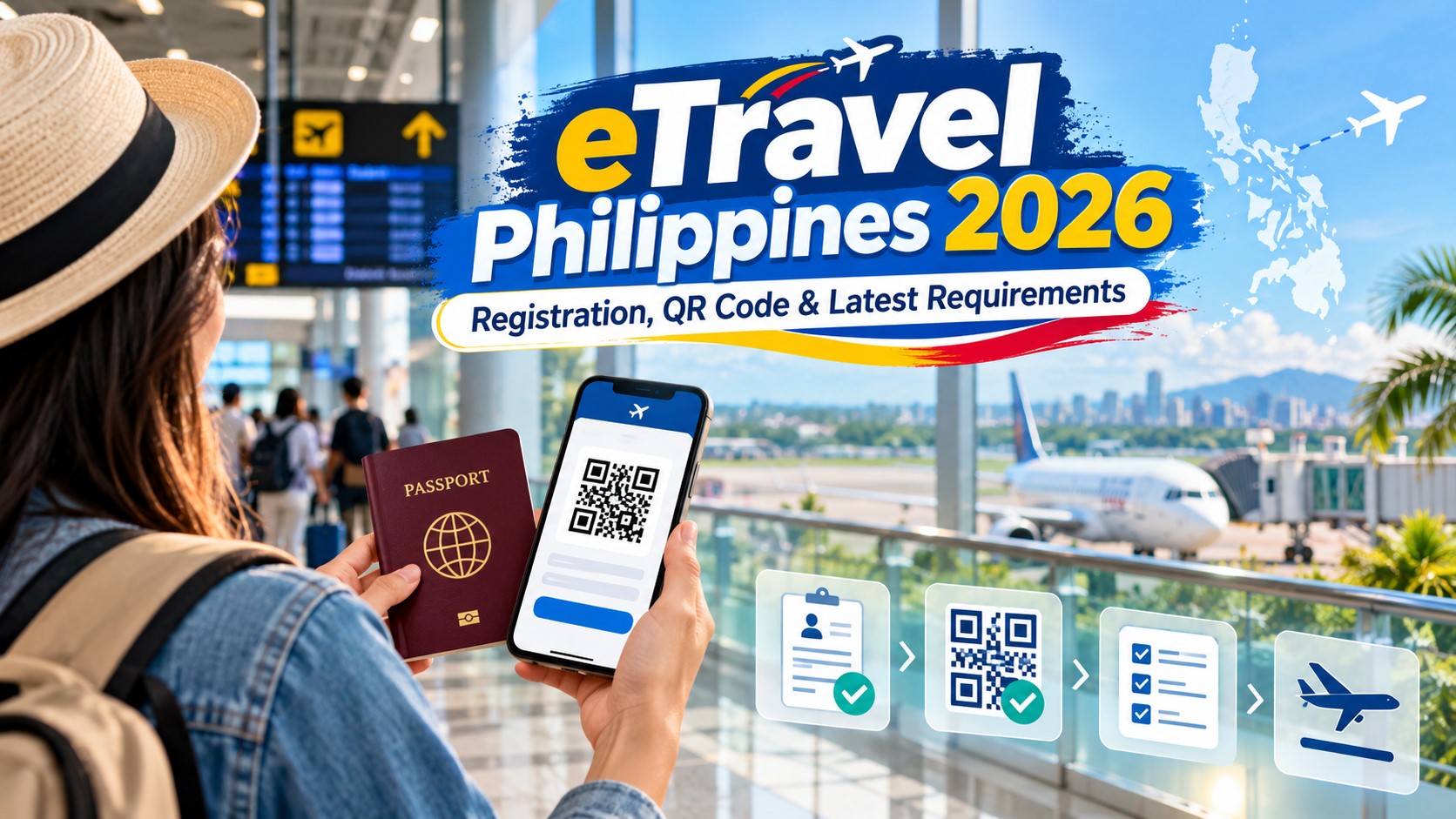
The most important things to remember are these: register within the official 72-hour window, use only the legitimate government platform, don’t pay anyone just to register, enter your information carefully and save your QR code before heading to the airport.
For travelers arriving in the Philippines, eTravel now goes beyond the old health declaration. It connects passenger information with Immigration, Quarantine and Customs processes, including baggage and currency declarations when applicable.
And because travel requirements can change, especially Customs, health and immigration procedures, it’s always a good idea to check the official Philippine government eTravel and Bureau of Immigration advisories again shortly before your trip.
As of October 6, 2026, eTravel remains an important part of international travel to the Philippines—and spending a few minutes completing it properly before your flight can save you a lot of unnecessary hassle at the airport.