Booking a Cebu Pacific flight is exciting—until you reach the payment page and start wondering which payment method to use.
Should you pay by credit card? Is GCash accepted? Can you use Maya? What about PayPal? Can you pay using Travel Fund? Can Go Rewards points cover the full fare? What happens if your payment fails, gets deducted, or your itinerary does not arrive?
These are common questions, especially during seat sales when everyone is rushing to book cheap flights.
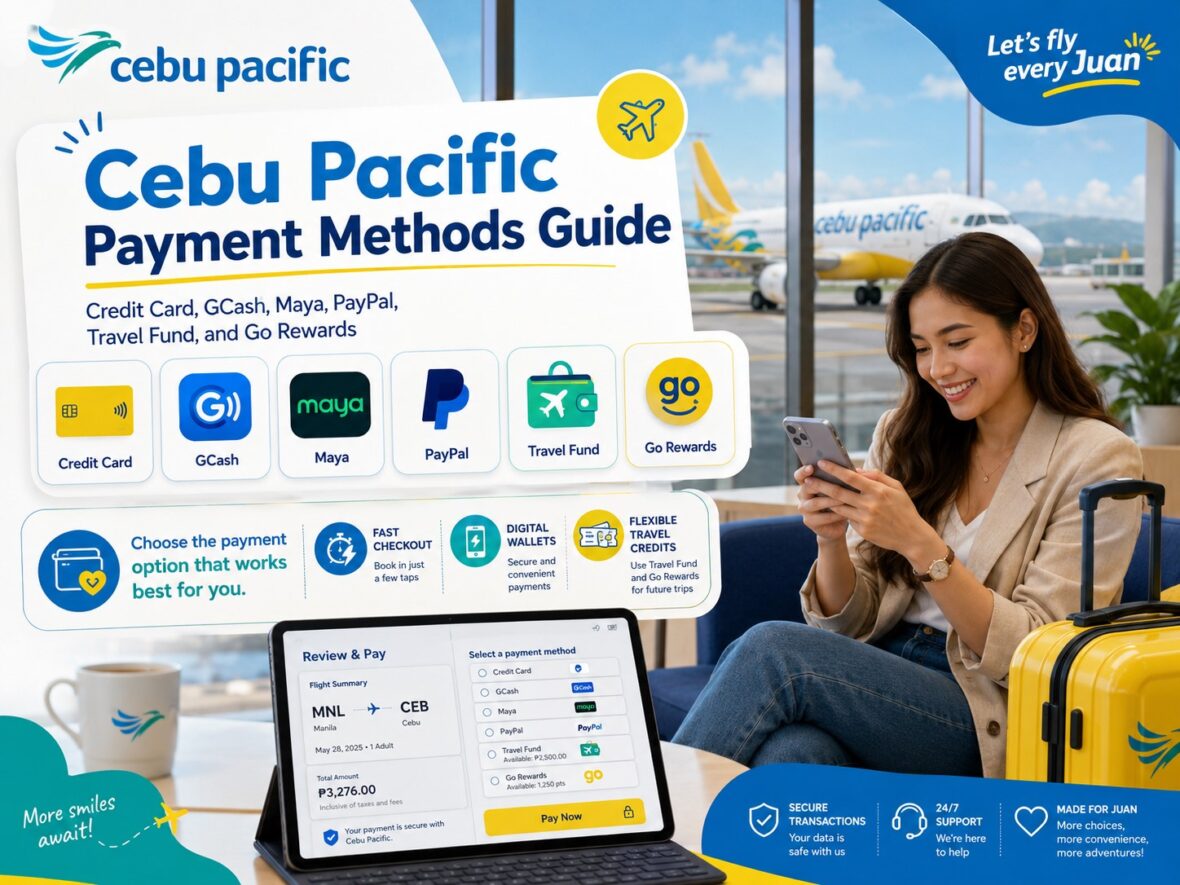
The good news is that Cebu Pacific accepts several payment methods for flights and add-ons. Cebu Pacific says passengers can pay using Go Rewards, Travel Fund, credit or debit cards, and e-wallets such as GCash, GrabPay, Maya, and PayPal.
In this guide, let’s explain each Cebu Pacific payment method in a simple and practical way, including what to do if payment fails, what to do if you were charged but did not receive an itinerary, and how to avoid payment mistakes when booking.
Content
Cebu Pacific Accepted Payment Methods
Cebu Pacific currently accepts several payment options for flights and add-ons.
According to Cebu Pacific’s Payment Concerns guide, you can pay using:
Credit card
Debit card
GCash
GrabPay
Maya
PayPal
Travel Fund
Go Rewards points
GoTyme for certain amount-due payments handled through a live agent
Cebu Pacific also says its payment center option is currently unavailable and that it does not support other payment methods aside from those listed in its official payment guide.
This means you should not assume that every payment method is accepted. Always check the payment page and official Cebu Pacific guidance before paying.
Credit and Debit Card Payments
Credit and debit cards are among the most common ways to pay for Cebu Pacific bookings.
Cebu Pacific says it accepts the following card types:
Visa
MasterCard
American Express
JCB
These card types can be used for flights and add-ons when available on the payment page.
This is convenient for travelers who want instant payment confirmation, especially during seat sales. Card payments are also useful when you are booking international flights or when you need to pay in a currency connected to your route.
Before using your card, make sure it has enough available balance or credit limit. Also make sure online transactions are enabled and that your bank’s security verification can be completed.
Common Card Payment Problems
Card payments can fail for several reasons.
Cebu Pacific advises passengers to check if they have exceeded their credit limit, if the card has enough balance, if the card details were entered correctly, and if the card’s security settings allow the transaction. If payment still does not work, Cebu Pacific suggests trying another payment method or chatting through the app or website to connect with a live agent.
So before you blame the airline website, check the basics first.
Is your card number correct?
Is the expiry date correct?
Is the CVV correct?
Is your billing information correct?
Is online payment enabled?
Is your card blocked for international or online transactions?
Did your bank send an OTP?
Did the OTP expire?
During seat sales, payment pages can also become slow because many people are booking at the same time. Stay calm and avoid clicking too many times.
GCash Payments
GCash is one of the most popular Cebu Pacific payment methods for Filipino travelers.
Cebu Pacific lists GCash as one of its accepted e-wallets. It also says passengers should make sure they have an existing and verified e-wallet account when using the e-wallet payment option.
GCash is useful if you don’t have a credit card or prefer paying from your mobile wallet.
Before paying with GCash, make sure your account is verified, has enough balance, and can receive OTPs or app confirmations. Also make sure your internet connection is stable because the payment process may redirect you between Cebu Pacific and GCash.
Important Reminder About GCash Currency
Cebu Pacific says GCash, GrabPay, and Maya only accept payments in Philippine Peso. If your booking total is in another currency, it will be converted to PHP and you will be charged the converted amount.
This is important for international bookings.
For example, if you are booking a flight that starts outside the Philippines, the fare currency may depend on the origin destination. If you choose an e-wallet like GCash, the amount may be converted to PHP.
Always check the final amount before confirming payment.
Maya Payments
Maya is also accepted by Cebu Pacific as an e-wallet option.
Cebu Pacific lists Maya under accepted e-wallets and says passengers using e-wallet payments should have an existing and verified account. It also notes that Maya only accepts payments in Philippine Peso.
Maya can be a good option if you prefer wallet payments instead of card payments.
Before paying, check your Maya balance, account status, and transaction limits. Also keep your phone available for app confirmation or OTP.
If payment does not push through, do not immediately book again. Check whether your balance was deducted first.
GrabPay Payments
GrabPay is another accepted e-wallet for Cebu Pacific bookings.
Like GCash and Maya, Cebu Pacific says GrabPay only accepts payments in Philippine Peso, and the booking total will be converted to PHP if needed.
GrabPay may be useful if you already keep funds in your Grab wallet or use Grab regularly.
Just like with other e-wallets, make sure your account is verified, funded, and ready before starting the booking.
PayPal Payments
Cebu Pacific also lists PayPal as an accepted e-wallet payment method.
PayPal can be helpful for travelers who prefer using a PayPal balance, linked card, or linked bank account. It may also be convenient for people booking from outside the Philippines.
Before using PayPal, make sure your account is active, verified if required, and that your linked payment source works.
If PayPal redirects you back to Cebu Pacific after payment, wait for confirmation and check your email for the itinerary receipt.
Travel Fund Payments
Travel Fund is another important Cebu Pacific payment option.
Cebu Pacific describes Travel Fund as a virtual wallet that can be used to pay for flights and add-ons.
Travel Fund usually comes from eligible cancellations, disrupted flights, CEB Flexi conversions, Flight Buyback, or other eligible cases. It is useful because you can use the value for future Cebu Pacific bookings instead of losing the amount completely.
Cebu Pacific says if your Travel Fund is not enough to cover the full booking amount, you can use another payment method to cover the remaining balance.
So yes, you may be able to combine Travel Fund with another payment method when your fund balance is not enough.
Can You Use Travel Fund for Add-Ons?
Yes. Cebu Pacific says Travel Fund can be used to pay for flights and add-ons.
This is helpful if you want to use your remaining Travel Fund for baggage, seats, meals, or other eligible add-ons.
For example, if you have Travel Fund from a canceled booking, you may be able to use it for a new flight. If there is still a balance left, you may use it for add-ons in a future booking, depending on availability and system rules.
Always check the payment page to see if Travel Fund appears as a payment option.
Go Rewards Payments
Cebu Pacific also allows Go Rewards points to be used as a payment method.
Cebu Pacific says that by linking Go Rewards to your MyCebuPacific account, you can use Go Rewards points as a mode of payment when booking a flight through the Cebu Pacific app or website.
This is useful if you collect Go Rewards points and want to reduce your cash payment.
Cebu Pacific also says that if your Go Rewards points are insufficient, you may use another payment method such as credit card, debit card, or e-wallet to cover the remaining balance.
So you don’t always need enough points for the entire booking. Partial redemption may be possible.
Do You Earn Go Rewards Points When Paying With Points?
No, not for bookings paid using Go Rewards points.
Cebu Pacific says you won’t earn additional points for bookings where Go Rewards points were used as a form of payment, whether the booking was paid through full redemption or partial redemption using points plus another payment method.
This is important if you are trying to maximize rewards.
If you pay with points, you may save money now, but you may not earn additional points from that booking.
Go Rewards Points Deducted but No Itinerary
If your Go Rewards points were deducted but you still did not receive your itinerary, Cebu Pacific says the itinerary and invoice are sent to the email registered in the booking within 24 hours after successful payment. If it has been over 24 hours and you still have not received the itinerary, Cebu Pacific advises reaching out to the Go Rewards Customer Care team.
So if the issue involves Go Rewards points, the support path may involve Go Rewards, not only Cebu Pacific.
Prepare your Go Rewards account details, Cebu Pacific booking details, and screenshots of the deduction.
GoTyme Payments for Amount Due
Cebu Pacific says you can now use GoTyme to pay for your amount due.
The process is through Pay Bills > Transport > Cebu Pacific, using the amount, the 12-digit reference number provided by a live agent, and the customer name.
This is important: the guide refers to a 12-digit reference number provided by a live agent, not the usual six-digit Cebu Pacific booking reference.
So don’t confuse the two.
Your regular Cebu Pacific booking reference is usually six digits. The GoTyme amount-due payment reference described by Cebu Pacific is a 12-digit reference provided by a live agent.
Payment Center Option
Cebu Pacific says its payment center option is currently unavailable. It also says it currently does not support payment methods other than those listed in its official payment guide.
This means you should not expect to book online and pay later at a payment center unless Cebu Pacific officially restores that option.
Cebu Pacific’s booking guide also says it is not possible to book online and pay at the airport counter.
So before starting a booking, make sure you already have a valid accepted payment method ready.
Can You Pay at the Airport Counter?
For regular online bookings, don’t expect to book online and then pay at the airport.
Cebu Pacific says it is not possible to book online and pay for it at the airport counter.
However, certain airport payments may still happen for specific situations, such as airport baggage fees or outstanding balances. Cebu Pacific’s domestic travel guide notes that payment kiosks near counter A29 may be used to pay airport baggage fees or settle outstanding balances, with accepted methods including credit or debit cards such as Mastercard, Visa, JCB, UPI, AMEX, and Bancnet.
The simple rule is this: don’t rely on airport payment unless the specific situation allows it. Pay online before travel day whenever possible.
Paying for Someone Else
You can book and pay for someone else.
Cebu Pacific says passengers may book for someone else and recommends entering that passenger’s contact details so they can receive flight updates. It also says you may use your Travel Fund to book for family and friends.
This is useful if you are booking for parents, siblings, friends, employees, or travel companions.
Just make sure the passenger details are correct. The name should match the traveler’s valid ID or passport.
Also make sure the email and contact number are correct so the traveler can receive updates.
Paying for Add-Ons
You can also pay for add-ons after booking.
Cebu Pacific says once payment is successful, you will automatically receive an updated Itinerary Receipt with your purchased add-ons.
Add-ons may include baggage, seat selection, meals, special baggage, travel insurance, or other eligible services.
If you add baggage after booking, check your updated itinerary to make sure the baggage is reflected.
If you paid but the add-on is not showing, wait within the expected confirmation period, then contact Cebu Pacific if needed.
Paying an Unpaid Balance or Amount Due
If your booking has an unpaid balance, settle it before your flight.
Cebu Pacific warns that if your booking has an unpaid balance or amount due, you will not be able to board the flight. It advises passengers to settle all balances before the day of flight or before checking in.
This is a serious reminder.
Don’t assume you can fix an unpaid balance at the boarding gate. If your booking shows an amount due, settle it as early as possible through the available payment options or with live agent guidance.
For flights exiting Dubai, Cebu Pacific also notes that passengers may be charged a fee at airport counters if the booking still has an unsettled balance.
Currency of Your Booking
Cebu Pacific says the currency of the booking depends on the currency of the origin destination.
For example, if your flight departs from Manila and arrives in Singapore, Cebu Pacific says the currency will be Philippine Peso.
If you pay by credit card, Cebu Pacific’s Dynamic Currency Conversion service may allow you to choose between the currency based on the origin destination or the currency based on your credit card’s currency.
But for GCash, GrabPay, and Maya, Cebu Pacific says those e-wallets only accept Philippine Peso payments, so the booking total will be converted to PHP and charged in the converted amount.
Always review the final amount before paying.
What Happens After Successful Payment?
After successful payment, Cebu Pacific sends your Itinerary Receipt to the email registered in the booking.
Cebu Pacific says the Itinerary Receipt is sent within 24 hours after successful payment.
If you bought add-ons, Cebu Pacific says you will receive an updated Itinerary Receipt with the purchased add-ons after successful payment.
So after paying, check your inbox. Also check your spam or junk folder.
Do not delete the itinerary. Save your booking reference, screenshot the receipt, and add the booking to your MyCebuPacific account if needed.
Payment Successful but No Itinerary
If payment was successful but you did not receive your itinerary immediately, don’t panic right away.
Cebu Pacific says the itinerary is sent to the email registered in the booking within 24 hours after successful payment. If payment was deducted from your card or e-wallet and it has been more than 24 hours since payment, Cebu Pacific advises chatting through the app or website to connect with a live agent.
This is one of the most important rules.
Do not automatically book again if you were already charged.
Wait within the 24-hour period, check your email folders, and contact Cebu Pacific if the itinerary still does not arrive after that timeframe.
Payment Successful but Add-Ons Not Confirmed
Sometimes you pay for baggage, seats, or meals, but they do not appear in your booking right away.
Cebu Pacific says transactions should reflect in your booking or account within 24 hours. If payment was successful but your booking or add-ons were not confirmed, you should wait for an updated itinerary to be sent to the registered email. If it has been more than 24 hours since payment, or if the booking is urgent, Cebu Pacific advises chatting through the app or website to connect with a live agent.
So if your baggage does not show immediately, check again later.
But if your flight is soon, contact support earlier and prepare proof of payment.
Payment Failed: What Should You Do?
If payment fails, first check whether your money was deducted.
If nothing was deducted, you can try again using the same method or a different payment method.
Cebu Pacific’s booking guide suggests trying another payment method, such as card, e-wallet, or Travel Fund, if a payment issue happens. It also says if the page takes too long to load and you are concerned that you have been charged, you should chat through the app or website to connect with a live agent.
Do not keep refreshing or clicking payment repeatedly.
That can create confusion, duplicate attempts, or multiple pending charges.
Charged but No Booking
This is one of the scariest payment problems.
If your card or e-wallet was charged but you did not receive a booking confirmation or itinerary, first wait within Cebu Pacific’s 24-hour confirmation guidance. Check your email, spam, and junk folders.
Cebu Pacific says if payment was deducted and it has been more than 24 hours since paying, you should chat through the app or website to connect with a live agent.
Prepare your payment method, transaction time, amount, passenger names, route, and screenshots.
Do not immediately book again unless Cebu Pacific or your payment provider confirms the first booking did not go through.
Double Booking or Double Charge
Double booking can happen when a traveler panics after not receiving an itinerary and books again.
Cebu Pacific says passengers can check if they made a double booking by looking for two Itinerary Receipts in their email or by checking the My Bookings section on the Cebu Pacific app or website. If the page was slow and you are concerned you were charged, Cebu Pacific advises chatting through the app or website to connect with a live agent.
Cebu Pacific’s payment guide also says passengers needing help with double bookings or double charges should chat through the app or website to connect with a live agent.
If this happens, save proof of both transactions.
Refund to an Inactive Payment Method
Sometimes the card, bank account, or payment method used for booking is no longer active by the time you request a refund.
Cebu Pacific says that if you requested a refund and the payment method used for the booking is now inactive, you should chat with Cebu Pacific to connect with a live agent. The refund may be returned as Travel Fund or through another payment method.
This can happen if your card was replaced, your e-wallet changed, or your account was closed.
If your payment method is no longer active, don’t assume the refund is lost. Contact support and ask for assistance.
Cebu Pacific Invoice or Official Receipt
If you need an invoice or official receipt, Cebu Pacific says the invoice is sent together with the Itinerary Receipt. It also says invoices are issued only for bookings paid with credit or debit card and/or e-wallets.
This matters for company reimbursement, accounting, tax records, and business travel.
If you made multiple transactions under one booking, such as buying baggage later, you may receive separate invoices for each transaction.
Save all payment-related emails, not just the itinerary.
Travel Voucher Payments
Travel vouchers are different from Travel Fund.
Cebu Pacific says travel vouchers can currently only be redeemed through the Cebu Pacific mobile app. It also says travel vouchers are valid only for flights within the Philippines or flights departing from the Philippines.
If voucher payment fails, Cebu Pacific suggests trying another payment method such as card, e-wallet, or Travel Fund, and chatting through the app or website if the issue continues.
So if you have a voucher, use the Cebu Pacific app and check the restrictions carefully.
Travel Fund vs Travel Voucher vs Go Rewards
These three can be confusing, so here’s the simple difference:
Travel Fund is a virtual wallet usually connected to eligible cancellations, disruptions, or CEB Flexi-related conversions. It can be used to pay for flights and add-ons.
Travel Voucher is a voucher with its own redemption rules and is currently redeemable only through the Cebu Pacific mobile app.
Go Rewards uses rewards points linked to your MyCebuPacific account and can be used as a payment method when booking flights through the Cebu Pacific app or website.
Before using any of them, check the payment page and restrictions.
Best Payment Method for Seat Sales
For seat sales, use the payment method that is fastest and most reliable for you.
Credit card can be convenient because it often confirms quickly, but make sure your bank does not block the transaction.
GCash, Maya, GrabPay, and PayPal can also work, but make sure your wallet is verified, funded, and ready.
Travel Fund can be useful if you already have balance, but check that the Travel Fund is visible and usable before the sale starts.
Go Rewards can help reduce the cash amount, but make sure your account is linked properly.
During seat sales, speed matters. But accuracy matters more.
A cheap fare is not worth it if you accidentally double pay, use the wrong account, or miss the itinerary confirmation.
Best Payment Method for International Flights
For international flights, credit cards can be convenient because of currency handling and bank protections.
Cebu Pacific says the currency depends on the origin destination, and with Dynamic Currency Conversion, passengers paying by credit card may choose between the origin destination currency and the credit card’s currency.
E-wallets like GCash, GrabPay, and Maya only accept PHP, so the booking total will be converted to PHP.
That does not mean e-wallets are bad. It only means you should review the converted total before paying.
For large international bookings, use the payment method you trust most and can easily track.
Best Payment Method for Add-Ons
For add-ons like baggage and seats, any accepted payment method can work.
If you already have Travel Fund, using it for add-ons can be practical because Cebu Pacific says Travel Fund can be used to pay for flights and add-ons.
For quick add-ons, card or e-wallet payments may be easier.
Just make sure your updated itinerary arrives after payment, because that is your proof that the add-on was successfully added.
What to Do Before Paying
Before you click pay, review everything.
Check the passenger names.
Check the route.
Check the dates.
Check the airport and terminal.
Check the baggage.
Check seats and meals.
Check the total amount.
Check the payment method.
Check the email address.
Check your card or wallet balance.
Make sure your internet connection is stable.
Make sure you can receive OTPs.
Cebu Pacific says if payment is successful, the itinerary will be sent to the email registered in the booking.
So if the email is wrong, your confirmation may go somewhere else.
What to Do After Paying
After payment, don’t close everything immediately without saving proof.
Take a screenshot of the confirmation page.
Save the booking reference.
Check your email.
Check spam or junk.
Open the itinerary.
Check if add-ons are reflected.
Add the booking to your MyCebuPacific account.
Save the invoice if needed.
If you paid through e-wallet or card, save the transaction confirmation.
If the itinerary does not arrive right away, remember Cebu Pacific’s 24-hour guidance before panicking.
Cebu Pacific Payment Mistakes to Avoid
The first mistake is paying without checking the email address.
The second mistake is clicking payment multiple times when the page is slow.
The third mistake is booking again immediately after being charged.
The fourth mistake is using an e-wallet without enough balance.
The fifth mistake is using a card with online transactions disabled.
The sixth mistake is assuming payment center is available when Cebu Pacific says it is currently unavailable.
The seventh mistake is confusing Travel Fund, Travel Voucher, and Go Rewards.
The eighth mistake is forgetting that GCash, GrabPay, and Maya accept PHP only.
The ninth mistake is not saving proof of payment.
The tenth mistake is waiting until airport day to settle an unpaid balance.
Cebu Pacific Payment Troubleshooting Checklist
If your payment failed, check if money was deducted.
If money was not deducted, try another payment method.
If money was deducted, wait for the itinerary within 24 hours.
Check inbox, spam, and junk folders.
Check your MyCebuPacific account.
Do not book again right away.
Save payment screenshots.
Prepare the card type or e-wallet used.
If more than 24 hours passed, chat with Cebu Pacific through the app or website.
If Go Rewards points were deducted, contact Go Rewards Customer Care if no itinerary arrives after 24 hours.
If double charged, prepare proof and contact Cebu Pacific.
If the payment method is inactive and you are expecting a refund, contact Cebu Pacific support.
My Practical Advice
My practical advice is simple: use the payment method you can monitor easily.
If you use a card, make sure you can see the transaction in your banking app.
If you use GCash, Maya, or GrabPay, make sure the wallet is verified and funded.
If you use PayPal, make sure the linked payment source is active.
If you use Travel Fund, check that it is visible before booking.
If you use Go Rewards, make sure it is linked properly to your MyCebuPacific account.
And most importantly, don’t panic if the itinerary does not arrive instantly. Cebu Pacific says it may be sent within 24 hours after successful payment.
Final Thoughts
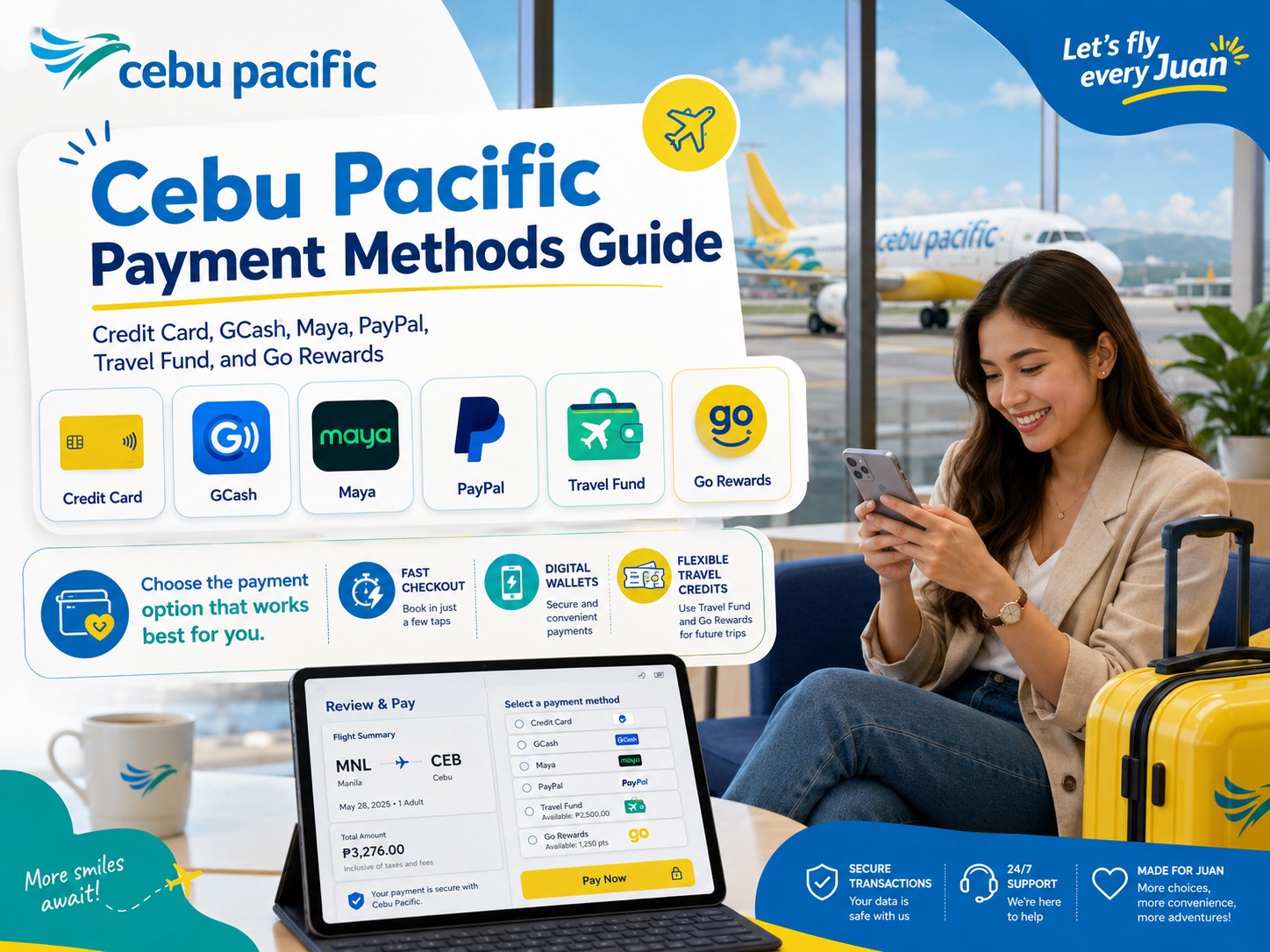
Cebu Pacific gives travelers several ways to pay for flights and add-ons, including credit cards, debit cards, GCash, GrabPay, Maya, PayPal, Travel Fund, and Go Rewards.
The best payment method depends on your situation.
Use credit or debit card if you want a straightforward payment method and your card is ready for online transactions.
Use GCash, Maya, GrabPay, or PayPal if you prefer e-wallet payments.
Use Travel Fund if you have available balance from eligible previous bookings or disruptions.
Use Go Rewards if you want to redeem points through your linked MyCebuPacific account.
But whatever payment method you choose, always review the final amount, check your email, save proof, and wait for the itinerary receipt. Cebu Pacific says the Itinerary Receipt is sent to the email registered in the booking within 24 hours after successful payment. If payment was deducted and more than 24 hours have passed without receiving the itinerary, passengers should chat through the app or website to connect with a live agent.
The safest payment strategy is simple: prepare before booking, pay carefully, save proof immediately, and don’t book again unless you are sure the first payment did not go through.
That way, you can avoid duplicate bookings, missing itineraries, and unnecessary travel stress.